What is Frog?
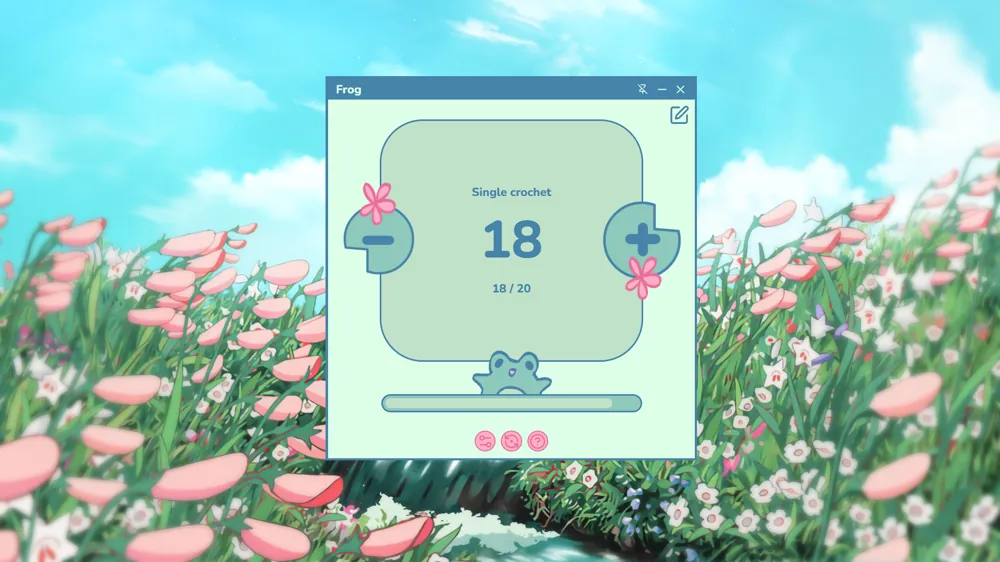
Frog is a Windows widget that works as a row and round counter for crochet and knitting projects.
Made by a knitter, for knitters
A PC row counter widget that stays visible while you follow a pattern, watch a tutorial, or work in another window.
For Windows 10 and 11 PCsOne-time payment, no subscriptionSecure checkout with Gumroad
On your phone? Buy it now: the download link goes to your email so you can install it on your PC.
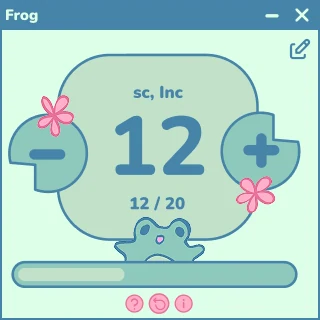
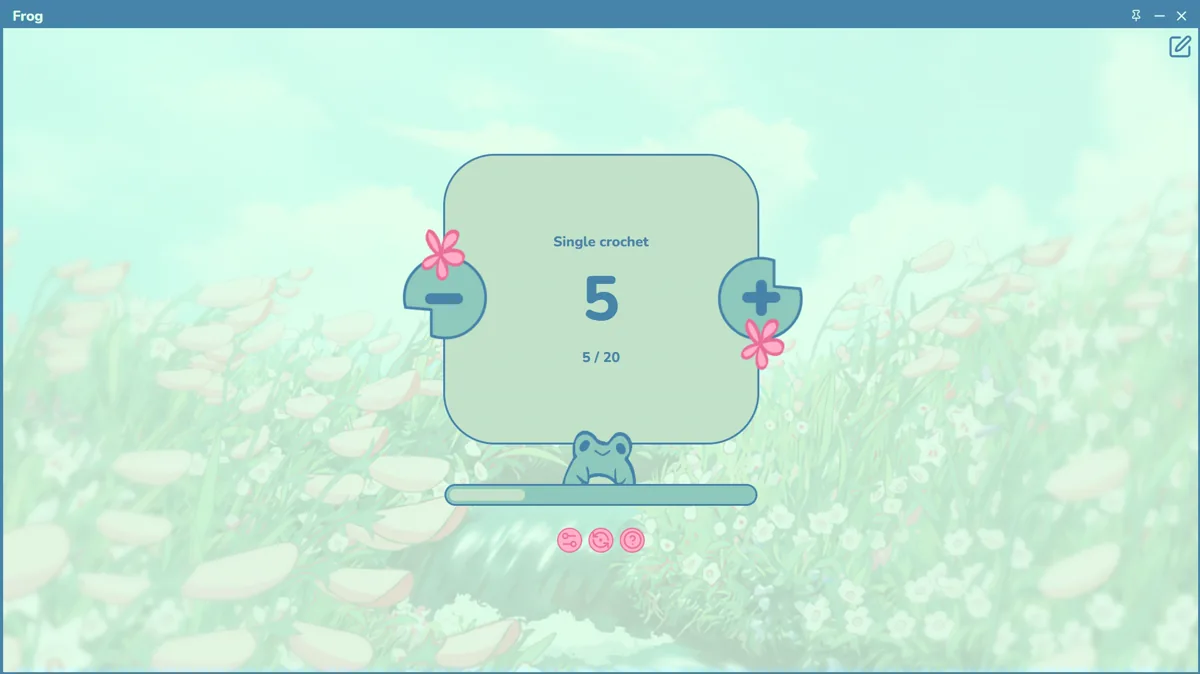
Its expressions change with your knitting pace.

When your project is moving forward, Frog celebrates every step with you.

While you keep knitting steadily, Frog stays ready to help you hold your place.

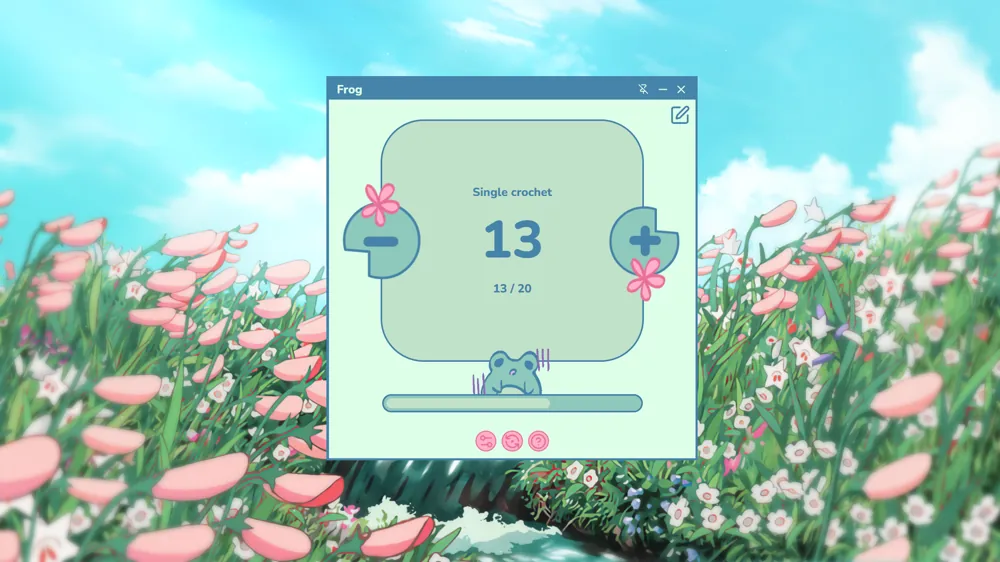
If you need to unravel stitches, Frog feels the pain too, but stays with you for the next try.
Built for stitching with your PC beside you
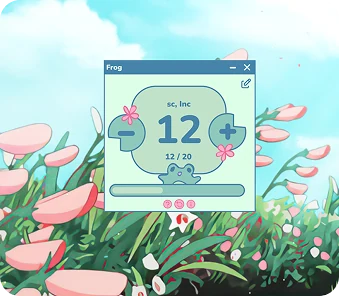
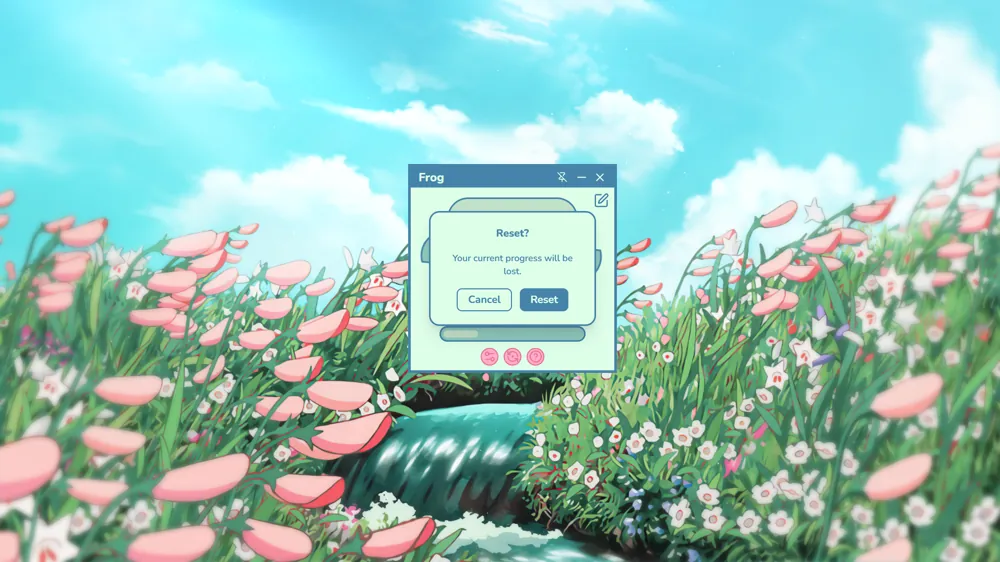
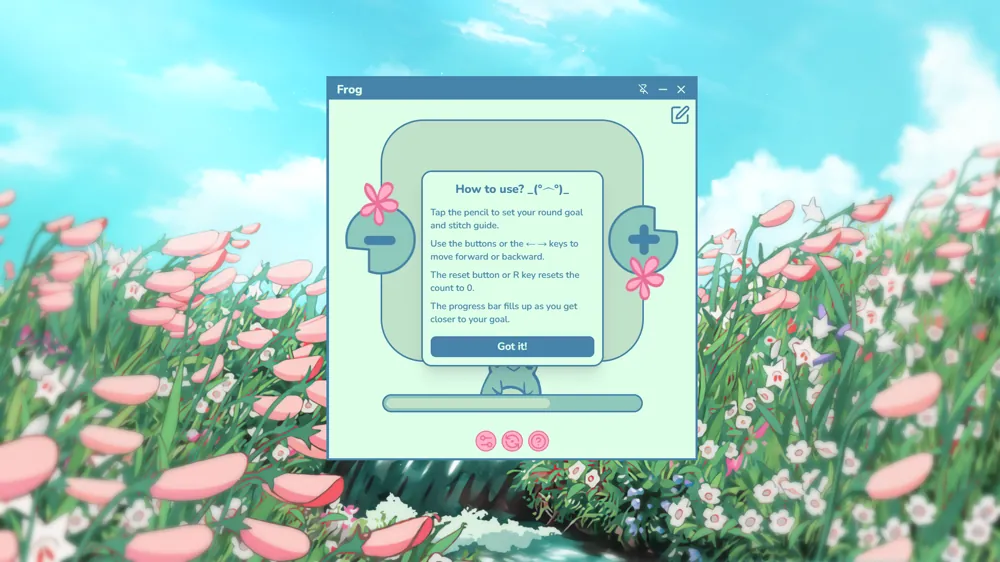
Increase or decrease the counter with your keyboard arrows and reset quickly whenever you need to start the count again.
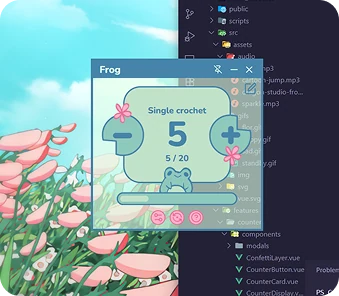
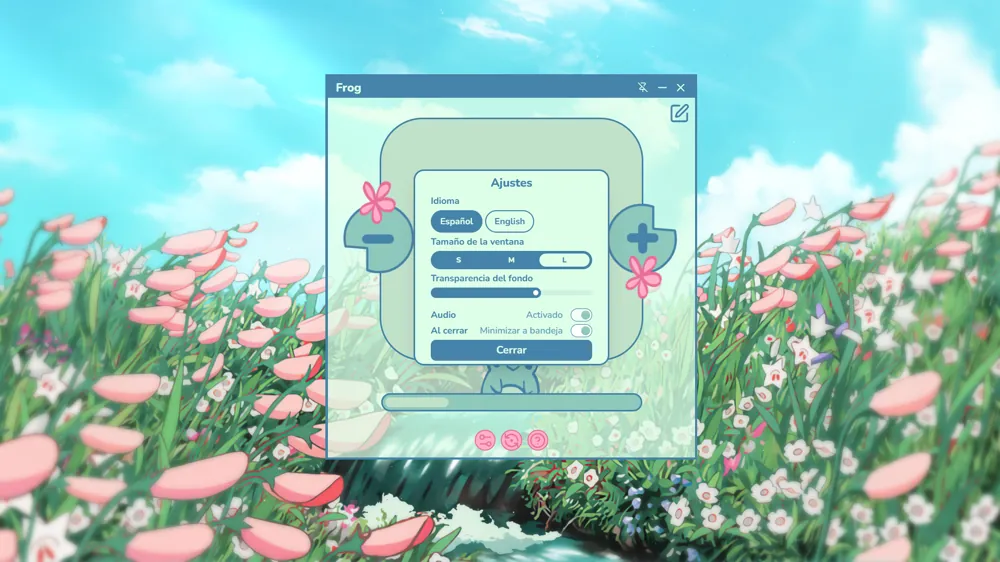
Use a transparent background so the widget blends in with your desktop, videos, or pattern window.
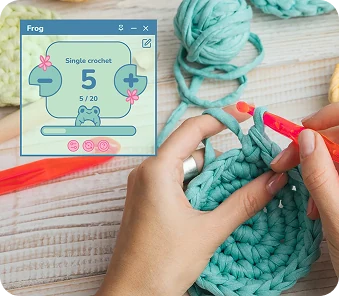
Keep the counter visible above other windows while checking instructions, PDFs, or tutorials.
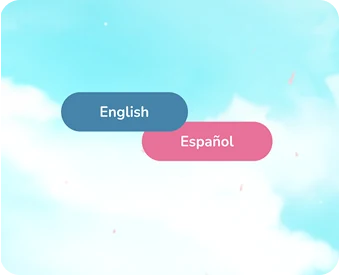
The interface is available in English and Spanish.
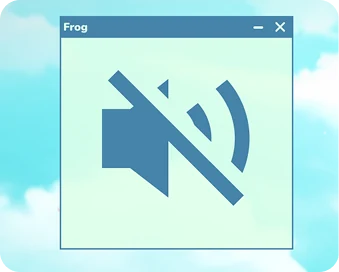
Turn button sounds on or off so you can craft without distractions.
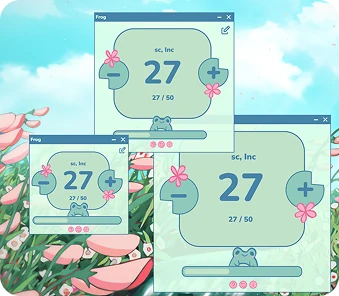
Resize the window so the counter fits your workflow without taking over your screen.
No complicated setup: get it, place it and start stitching.
Buy it on Gumroad without leaving this page and receive the download link by email.
Turn on always-on-top and transparency to place it over your pattern or video.
Add or subtract rows from the keyboard without leaving your work for more than a second.
Frog keeps count for you and reacts to your pace, even when it is time to frog.
Like what you see? Frog costs US$2.99, one single payment.
Get Frog · US$2.99Frog was born as a tribute to those moments when you have to undo stitches and begin again.
In knitting, undoing stitches is called “frogging” because “rip it” sounds like a frog croaking.
That idea inspired this widget: a companion for every row, even when your project sends you backward.
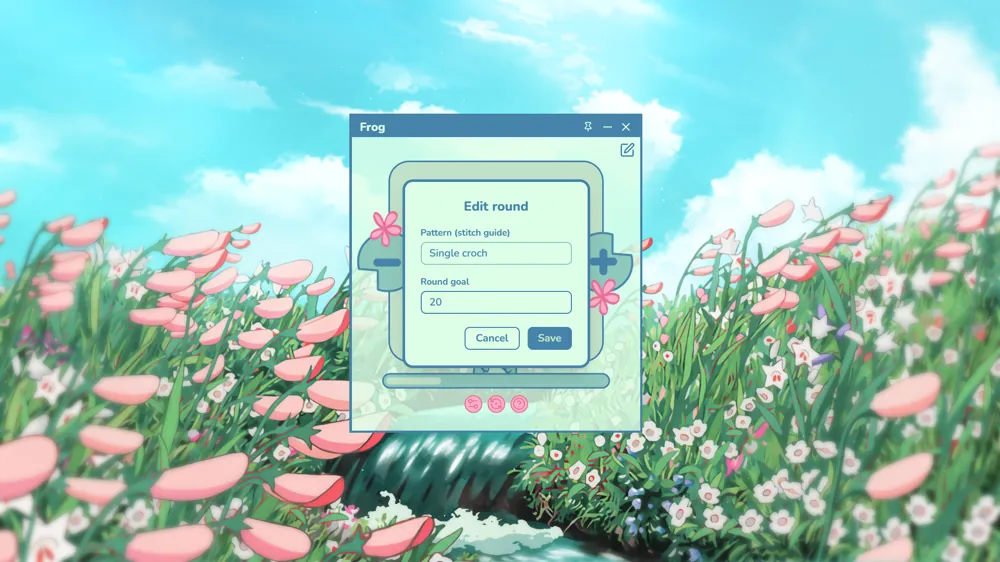
Quick answers for makers looking for a crochet and knitting row counter on PC
Frog is a Windows widget that works as a row and round counter for crochet and knitting projects.
It is made for knitters and crocheters who want to keep track of progress without losing sight of their pattern, video, or main workspace.
Its compact format, always-on-top behavior, and transparency help you count rows without interrupting what you are already viewing on screen.
US$2.99, a one-time payment. There is no subscription.
For now, only on Windows 10 and 11. If you are on your phone you can still buy it: the download link goes to your email and you install it later on your PC.
No. It works offline and without sign-ups.
Click Buy: payment is handled by Gumroad without leaving this page, and you receive the download link by email.
“Thank you, it's such a pretty and ideal app 🙌😍😍😍”
“It's perfect!!! Now I don't have to write it down in my notes hahaha ❤️”
“It's a dream come true 🥹💜💜”
“Oh!! Girl, you solved my life 😍 I love it!!!! 😍❤️”
Real messages from customers, translated from Spanish.
Get Frog and let it count for you while you enjoy stitching.
One payment, yours to keep
US$2.99
One-time payment for Windows 10 and 11 PCs. No subscriptions, no accounts.
On your phone? Buy it now: the download link goes to your email so you can install it on your PC.